Upbeats and breathing
Write a hymn that starts before the first full bar, and mark where your choir breathes — the Upbeat setting, breath marks, and slurs.
Verified against 0.5.0 · app is now 1.0.0
Most hymns don’t start on the downbeat. Amazing Grace begins on “A-”, one beat before the bar; O Come, All Ye Faithful the same. That leading note is an upbeat (an anacrusis, or a pickup), and it needs saying out loud, because the bar lines everywhere else in the piece depend on it.
Telling DomiSol your song starts on an upbeat
Open the Layout tab and set Upbeat to how much music comes before the first full bar:
| Setting | Use it for |
|---|---|
| ½ beat | A single quaver — the commonest upbeat there is |
| 1 beat | A single crotchet, as in Amazing Grace |
| 2 beats, 3 beats | Longer pickups, in 3/4, 4/4 and 6/8 |
The list stops one short of the meter, because a pickup as long as a full bar is just a full bar.
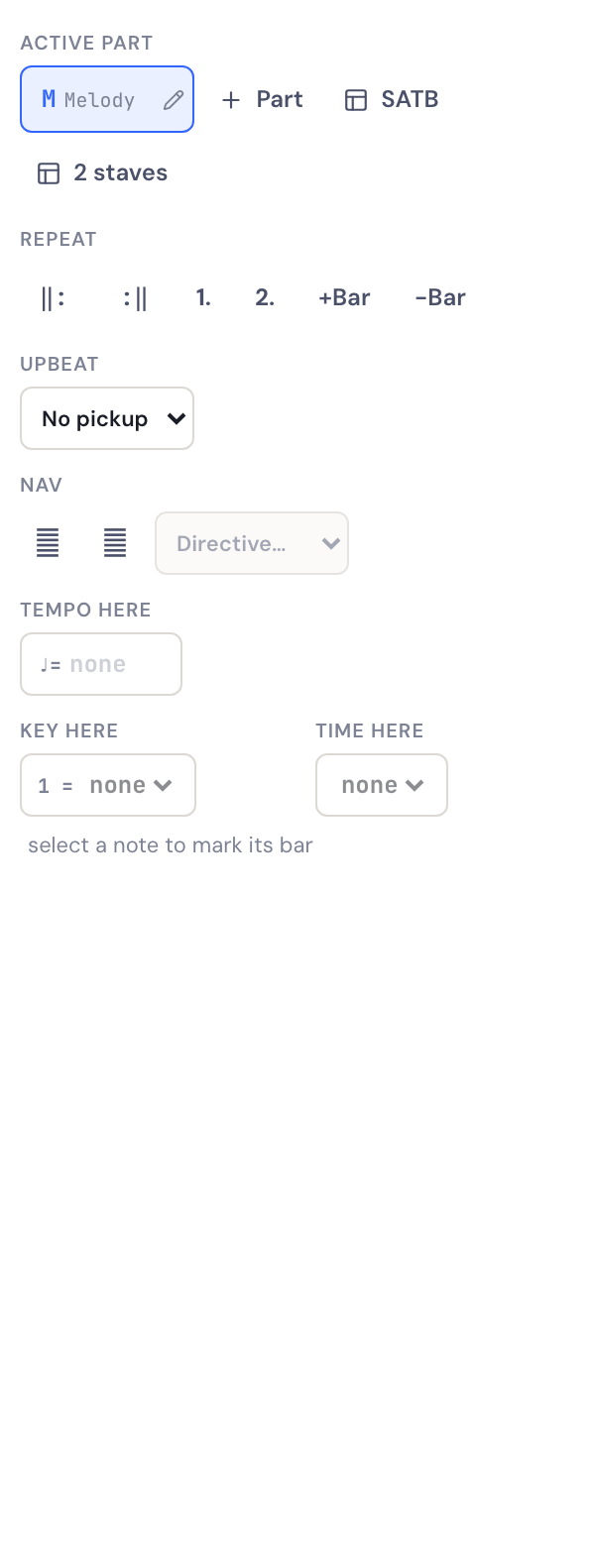
Set it whenever you like. Changing it re-bars the piece around the new first bar — it doesn’t throw anything away, and it doesn’t need the notes to be in any particular state. So the usual order is the comfortable one: type the melody, notice the bar lines are landing in the wrong places, then set the Upbeat and watch them move.
What it actually fixes
Without it, DomiSol packs your upbeat into bar 1 alongside the first downbeat, and every bar line after that sits one beat late. The notes are all still correct — but the strong beat of each bar now falls on the wrong syllable, so the piece reads as though the words are pushed out of place, and it plays back with the accents in the wrong spots.
That’s the symptom to recognise: if the tune is right but the emphasis feels wrong all the way through, you want the Upbeat setting.
Bar numbers
The pickup bar is left unnumbered, and the first complete bar is bar 1. That’s the convention in printed music, and it means the numbers on your screen match the numbers in a printed copy and the numbers your choir calls out in rehearsal. It’s also what the AI assistant counts by — ask it about bar 12 and you’ll both mean the same bar.
If you change the time signature
A pickup that no longer fits the new meter is removed rather than shortened — three beats of upbeat is possible in 4/4 and impossible in 3/4. Set it again after the change if you still want one.
Singing one in
If you’re capturing a tune by singing it to the click (Create → Sing to score), the setup panel has its own Upbeat setting. Pick the same number of beats and recording starts that much before the downbeat — so you come in on the last beat of the count-in, the way you would with a conductor. DomiSol writes the pickup bar for you.
Leave it at None and recording starts exactly on the downbeat, as before.
Breath marks
A breath mark (𝄒) is the singer’s comma: it says take a breath here without changing any note’s length.
Select the note the choir breathes after, open the Marks tab, and press the breath mark in the Marks row. Press it again to remove it.
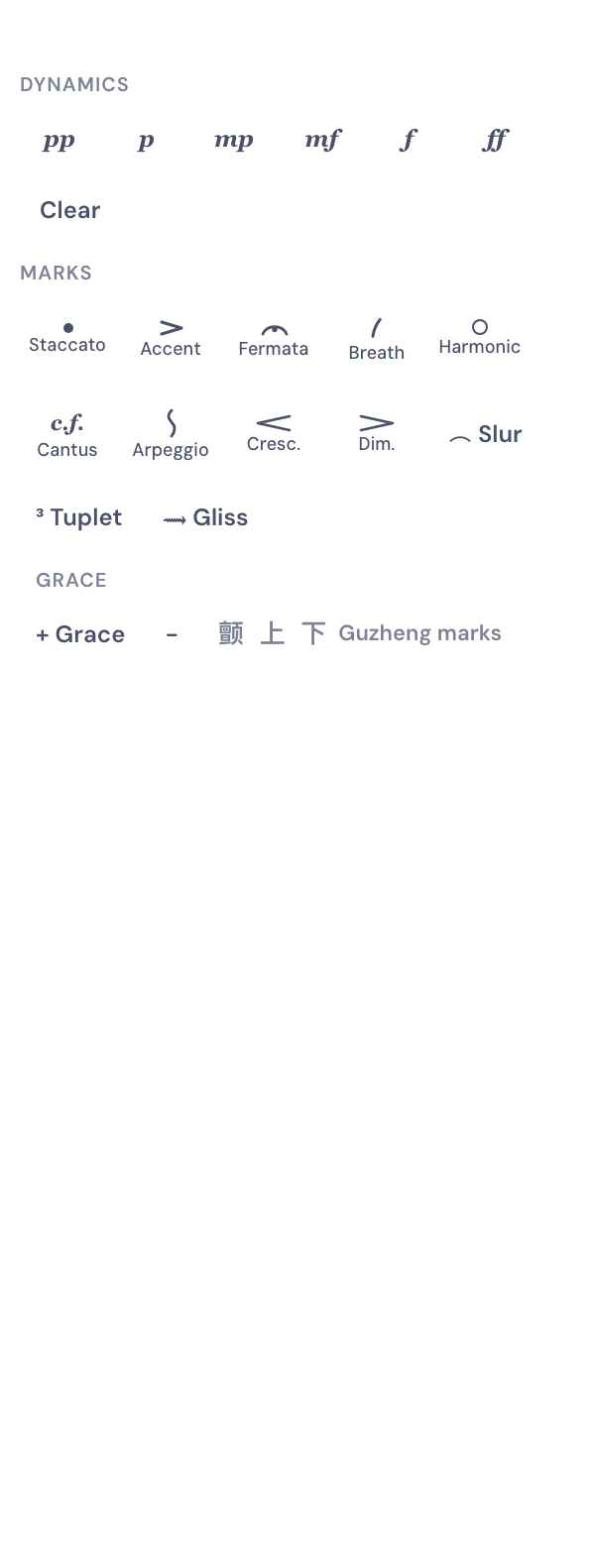
It works on a rest too, which is usually what you want — most hymn lines end on a held note followed by a rest, and the breath belongs on the rest.
Breath marks are purely a marking. They don’t shorten the note they follow and they don’t change playback, so adding them can never disturb your bar lengths or your timing.
They print, including in the staff-notation PDF, so a copy handed to a singer carries them.
Breath marks or slurs?
Both mark phrasing and they answer different questions.
| What it says | Where | |
|---|---|---|
| Slur ⌒ | This group of notes is one phrase | Marks tab → ⌒ Slur |
| Breath mark 𝄒 | The phrase ends here: breathe | Marks tab → Marks |
To draw a slur, click the first note of the phrase, press ⌒ Slur, then click the last note. The arc is drawn over everything between them. Press ⌒ Remove on a slurred note to take it off.
Many choral scores use both: a slur over each phrase, and a breath mark at the end of the line. Nothing stops you using one without the other.
Related
- Notes, rhythm and rests — durations, ties and how a note too long for its bar is split
- Lyrics and SATB parts — getting syllables under the right notes
- Sharing and exporting — what reaches the printed page